
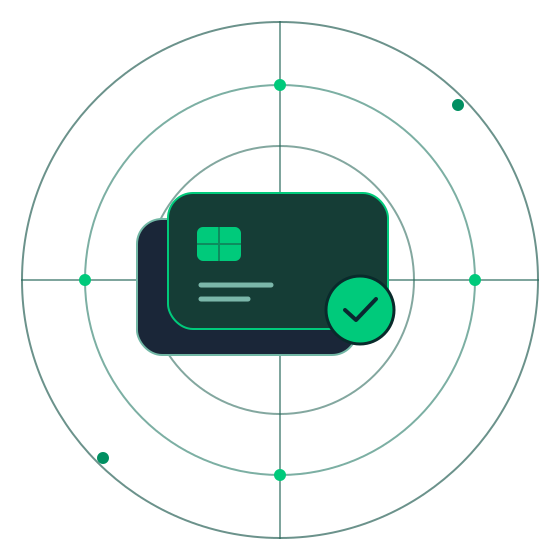
Sign in with a card. Get straight to work.
From work computer to work tools
An employee signs in to their Windows computer with a card. Later, they open a case management system, for example, and can continue straight away. Access can recognise the earlier card sign-in and verify that the right type of card was used. That completed sign-in can then support access to connected services requiring LoA3 or LoA4.
The service’s rules still apply
You set the rules for each service. Fortified ID Access checks whether the card sign-in and card type meet its assurance requirements. When they do, the service receives evidence to determine that the required assurance level has been met, and the employee does not need to authenticate again. If the service requires an additional check, it can request one.
This helps employees who move between browser-based work tools throughout a shift, when repeated sign-ins would otherwise interrupt their work.
Card solutions you already know
SITHS · Pointsharp Nexus · EFOS
In a regional test, Fortified ID Access recognised a Windows sign-in with a SITHS card. Start with the cards you already use when choosing a service to try. Access can verify that the right card type, such as SITHS or EFOS, was used before the assurance of the card sign-in is reused on the web.
Zero Trust Network Access
When deciding on access, you can take the card sign-in, the employee’s role and the sensitivity of the service into account. Access can also read available user details, such as group memberships and other authorization data, from the Kerberos ticket. You choose which details each web service receives so the employee can reach the right view or function immediately.
Try it with a service you use today
Choose a service where repeated sign-ins interrupt work. We can help you define the card types and assurance requirements and connect your existing card sign-in to that service.
For technical teams, see the Kerberos with PAC and claims documentation.